Photo to Line Art Examples
Before-and-after samples from real photos — product outlines, portrait stencils, and technical drawings. Upload your own image above to compare.
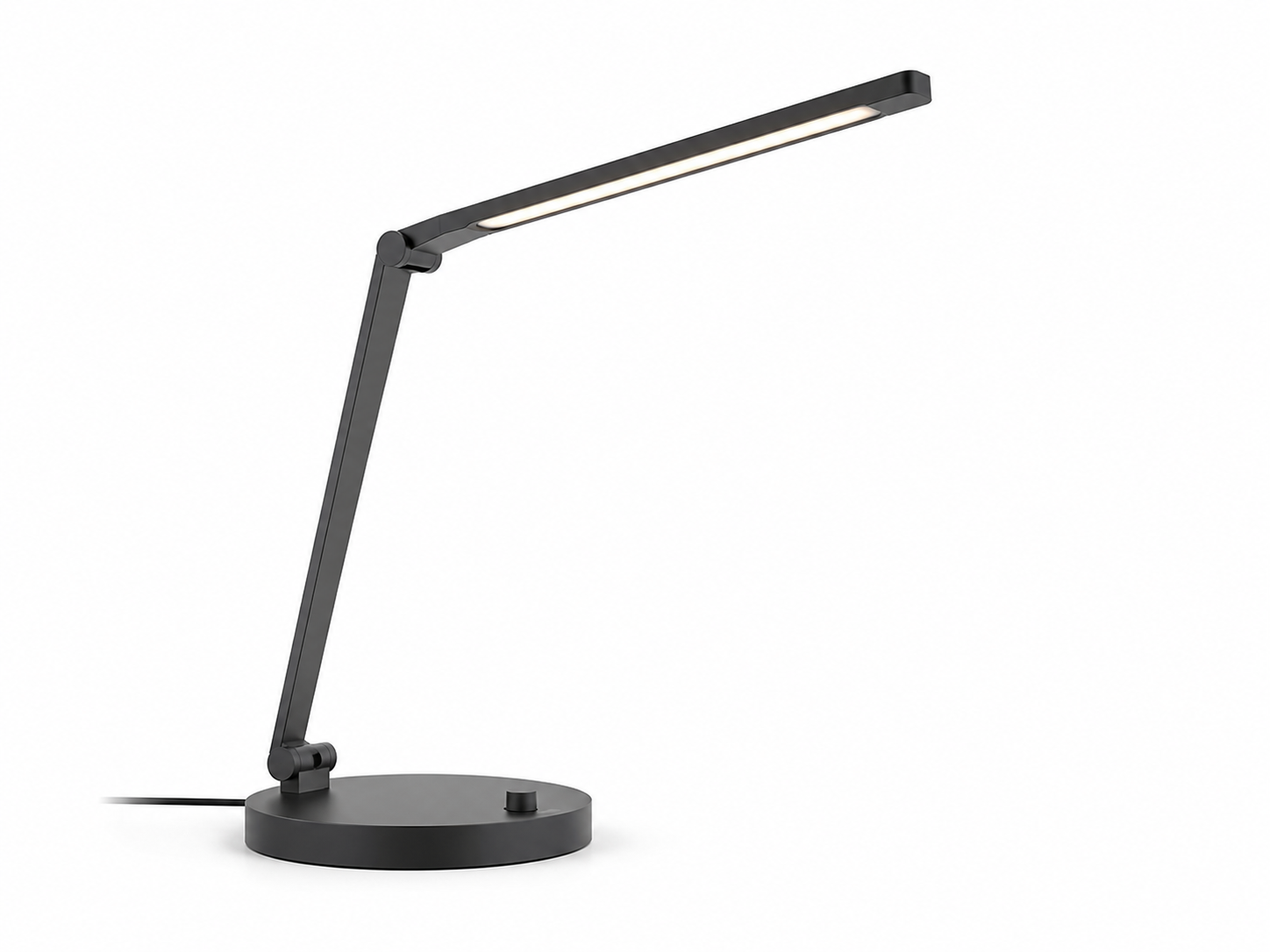
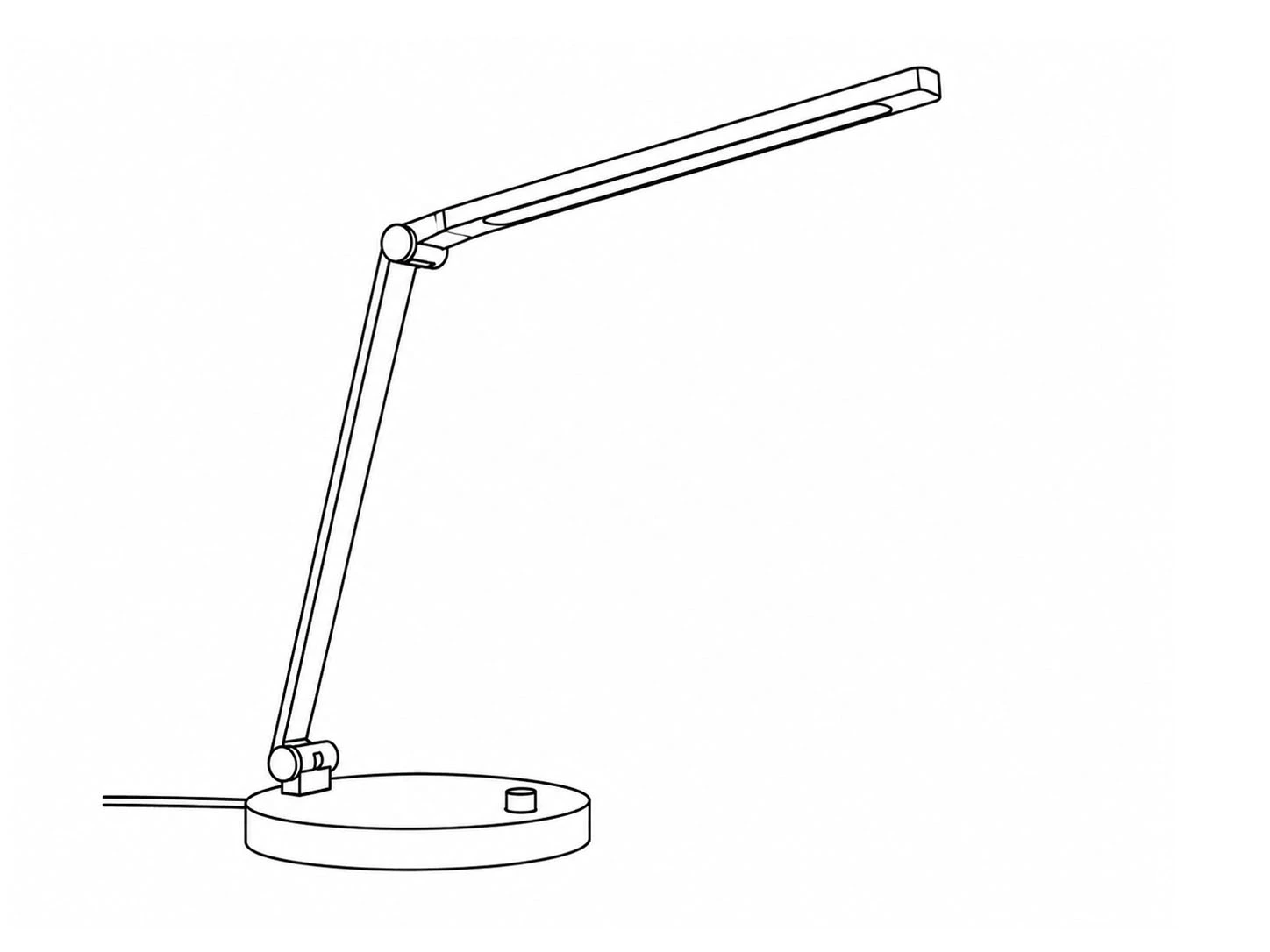
Product outline
Photo to clean vector outline for CNC, laser, and print workflows.
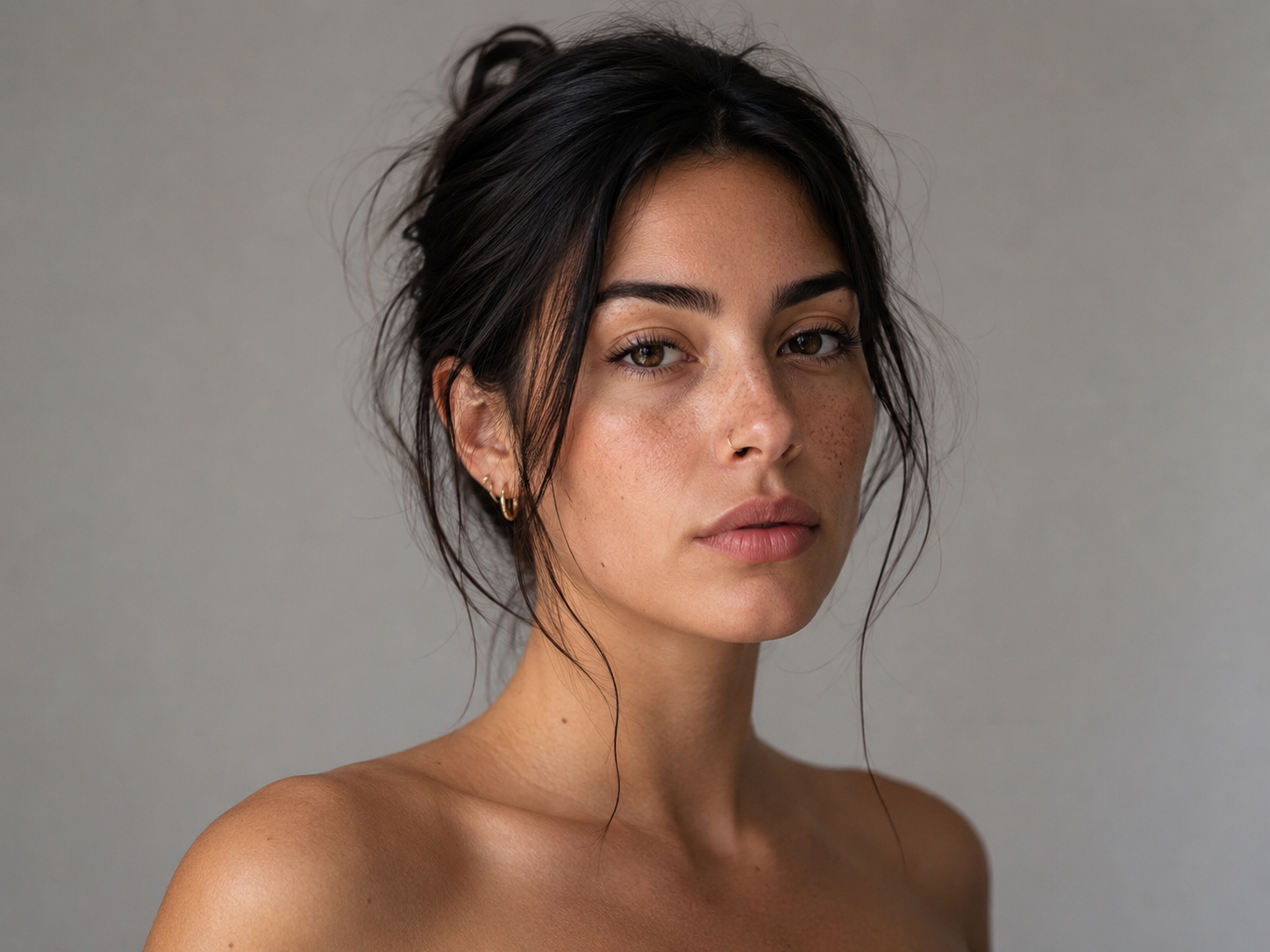
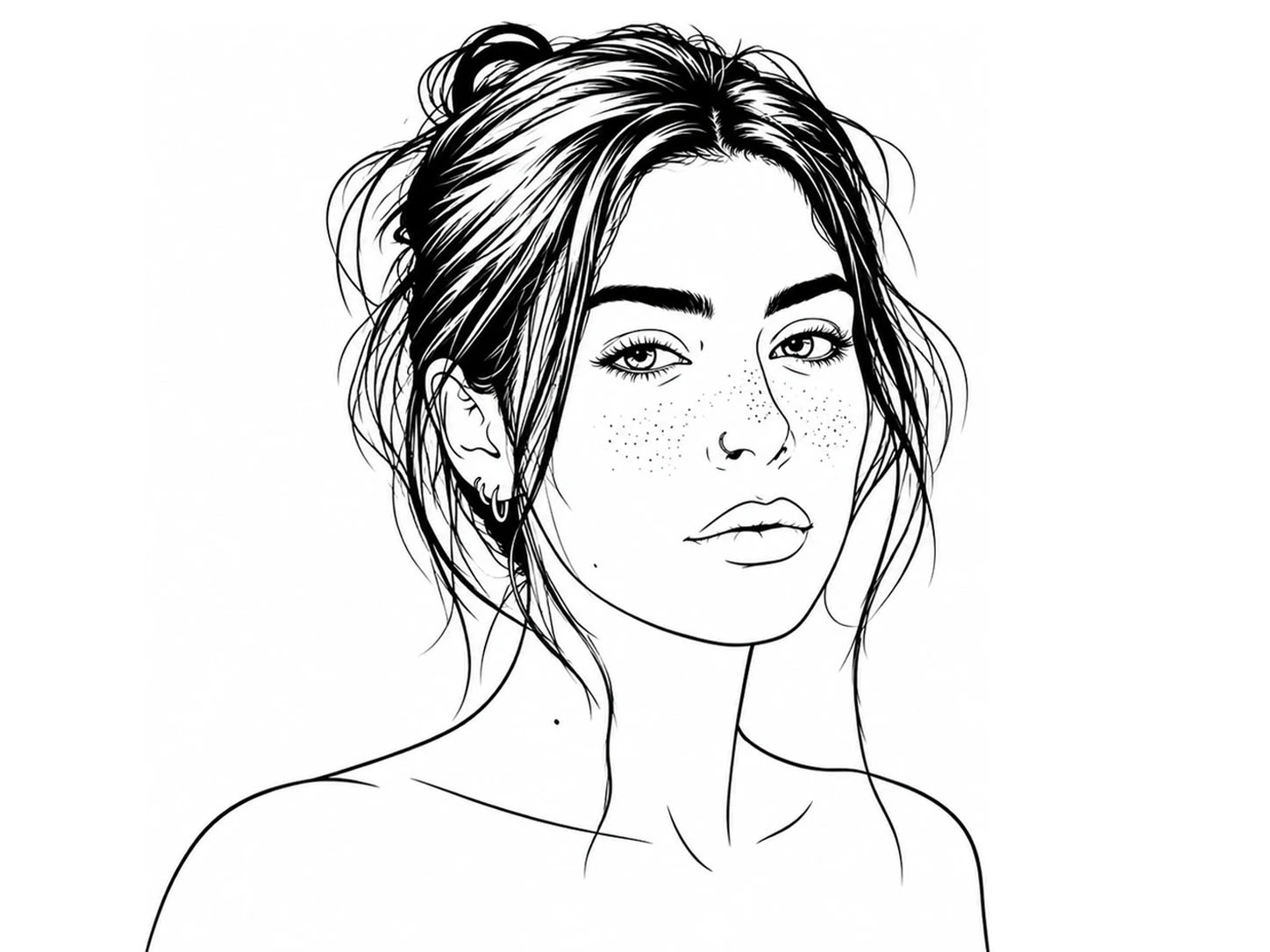
Portrait line art
Reference photo converted to stencil-ready line drawing.
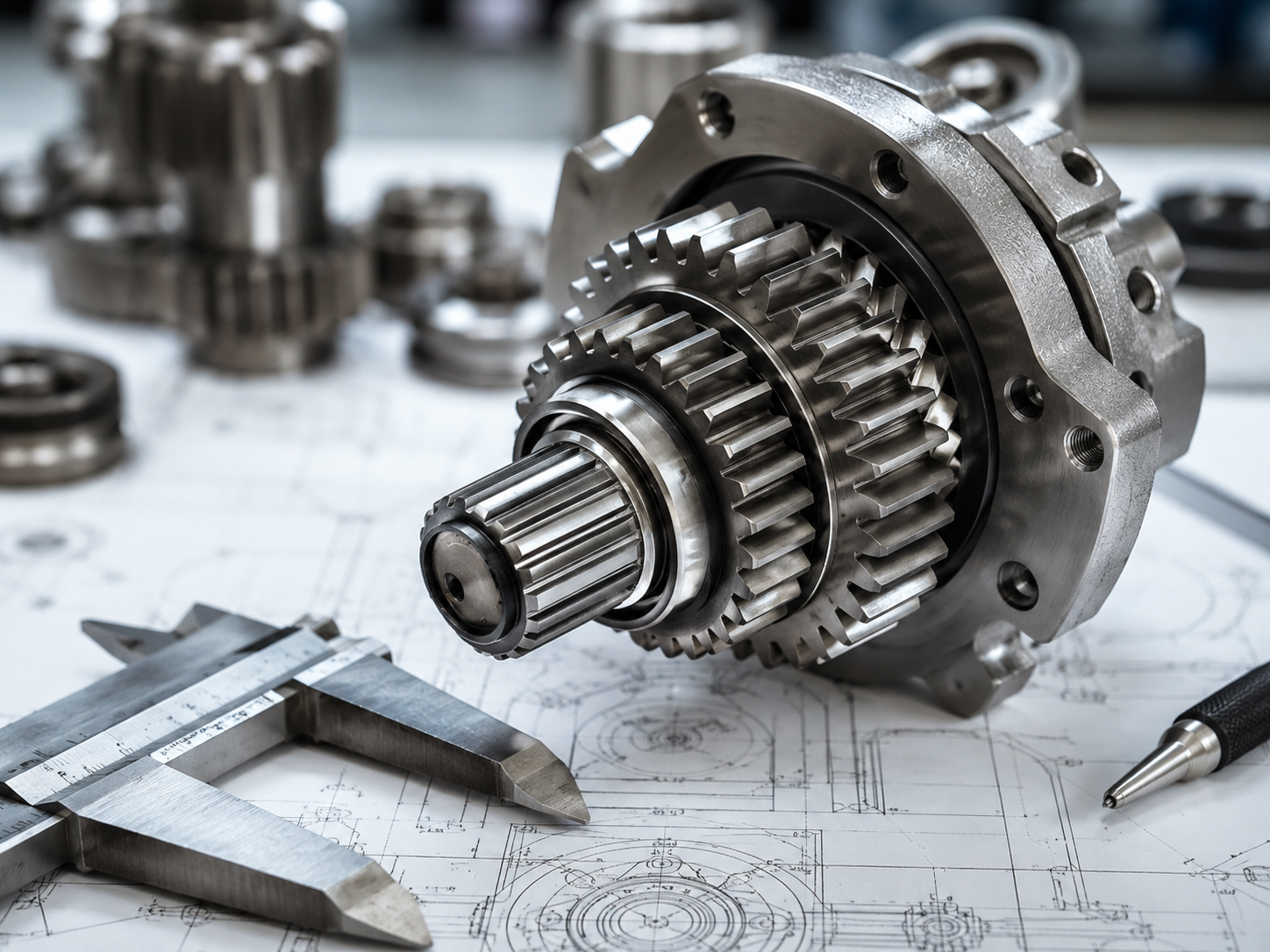
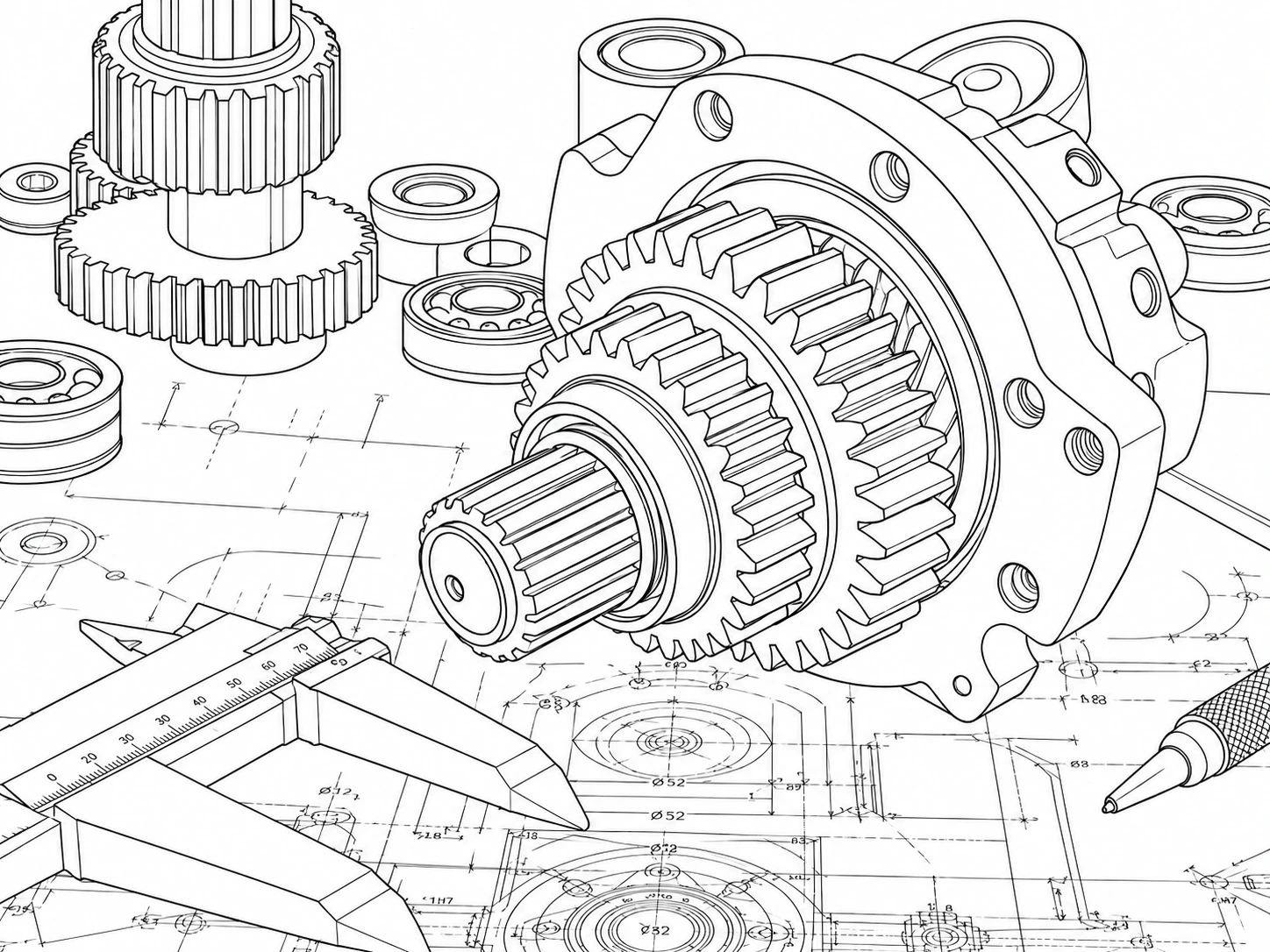
Technical drawing
Scan or diagram traced to editable line art for CAD handoff.
How to Convert a Photo to Line Art
Four steps on this page — upload, adjust, preview, and export. No extra pages or sign-up required to start.

Upload or try the sample
Drag and drop a JPG, PNG, or WebP (max 10MB), or click Try Sample to load a portrait example. The tool runs in the first screen — no redirect.

Adjust line settings
Set line thickness, detail level, and edge sensitivity. Enable noise removal or background removal for cleaner outlines. Open Output to vectorize to SVG when you need DXF or CNC paths.

Preview before and after
Move your cursor over the live preview to compare the original photo and line art side by side. Tweak settings and convert again until the outline looks right.

Download PNG, SVG, or DXF
Export PNG for stencils and web previews. Enable vectorize, then download SVG or DXF for Illustrator, AutoCAD, laser, or CNC. Need CAD geometry only? Switch to the Direct to DXF tab.
Photo to line art conversion guide
What photo to line art conversion solves
Photo to line art conversion turns a full-color photograph into a drawing made mainly of lines and outlines. Color and shading are reduced so edges and contours define the image. People search for this when they need tattoo stencils, coloring pages, logos, laser files, or print-ready artwork — without hours of manual tracing in Photoshop or Illustrator.
How to convert a photo to line art online
Use the free photo to line art converter at the top of this page: upload a JPG, PNG, or WebP (or try the sample), adjust line thickness and detail, preview the before/after result, then download PNG. For vector output, enable Vectorize to SVG and export SVG or DXF.
Looking for a style variant? Try our continuous line drawing generator or one line drawing generator. For stencil workflows, see tattoo stencil line art.
What to upload
Use a clear JPG, PNG, or WebP image (max 10MB). Portraits, products, logos, and technical scans work best when the subject has good contrast against the background. Blurry, low-light, or heavily textured photos often produce noisy lines — see the tips below.
Photo to Line Art vs Direct to DXF on this page
Photo to Line Art uses AI to stylize your photo into clean black-and-white line art, then optionally vectorizes to SVG or DXF. Best for portraits, stencils, and artistic outlines.
Direct to DXF skips AI stylization and vectorizes the original image directly — ideal for product photos, maps, and CAD handoff when you need precise geometry, not a reinterpreted drawing. Use the Direct to DXF tab at the top of the tool and preset "CAD editing" for AutoCAD-friendly straight lines.
AI vs manual tracing and Photoshop filters
Manual tracing in Illustrator or Procreate gives full control but can take an hour or more per image. Photoshop "Find Edges" and similar filters often produce broken, noisy lines that need heavy cleanup.
An AI photo-to-line-art converter detects edges and outputs cleaner outlines in seconds. You still can refine paths in vector software, but you start from a usable base for stencils, engraving, and simple graphics.
When results look noisy or broken
Low contrast, blur, or heavy texture in the source photo causes messy edges. Try a well-lit photo, enable noise removal, or lower detail level. For scans and product photos, switch to Direct to DXF with contrast boost. Portrait examples above show what clean input and settings can produce.
Output formats and next steps
PNG — previews, stencils, and web. SVG — scales for print, laser, and editing in Illustrator (Pro plan for unlimited export). DXF — editable geometry for AutoCAD and CNC when vectorize is enabled.
Learn more about path quality in our SVG optimization guide. Compare export limits on pricing.
Related tools and use cases
This page focuses on one job: convert photo to line art (also searched as image to line art converter / photo to outline). Explore related workflows:
Continuous line drawing generator · One line drawing generator · Tattoo stencil generator · Laser engraving line art · Coloring book publishing · Etsy printable line art · PNG to SVG · SVG optimization · Vectorizer.AI alternative
Use Cases for Photo-to-Line-Art


Frequently Asked Questions
Ready to Convert a Photo to Line Art?
Try the free photo to line art converter now, or view plans for SVG and batch conversion.